Supported Formats
| Type | Formats |
|---|---|
| Charts | Folder (in root), .zip, .osu, .mcz |
| Skins | Folder (in root), .zip, .osk, .msz, .msp |
| Baffle Texture | .png, .jpg |
| Sounds | .mp3, .ogg, .wav |
| Replays | .crp |
- Android
- iOS
Method 1: Open With
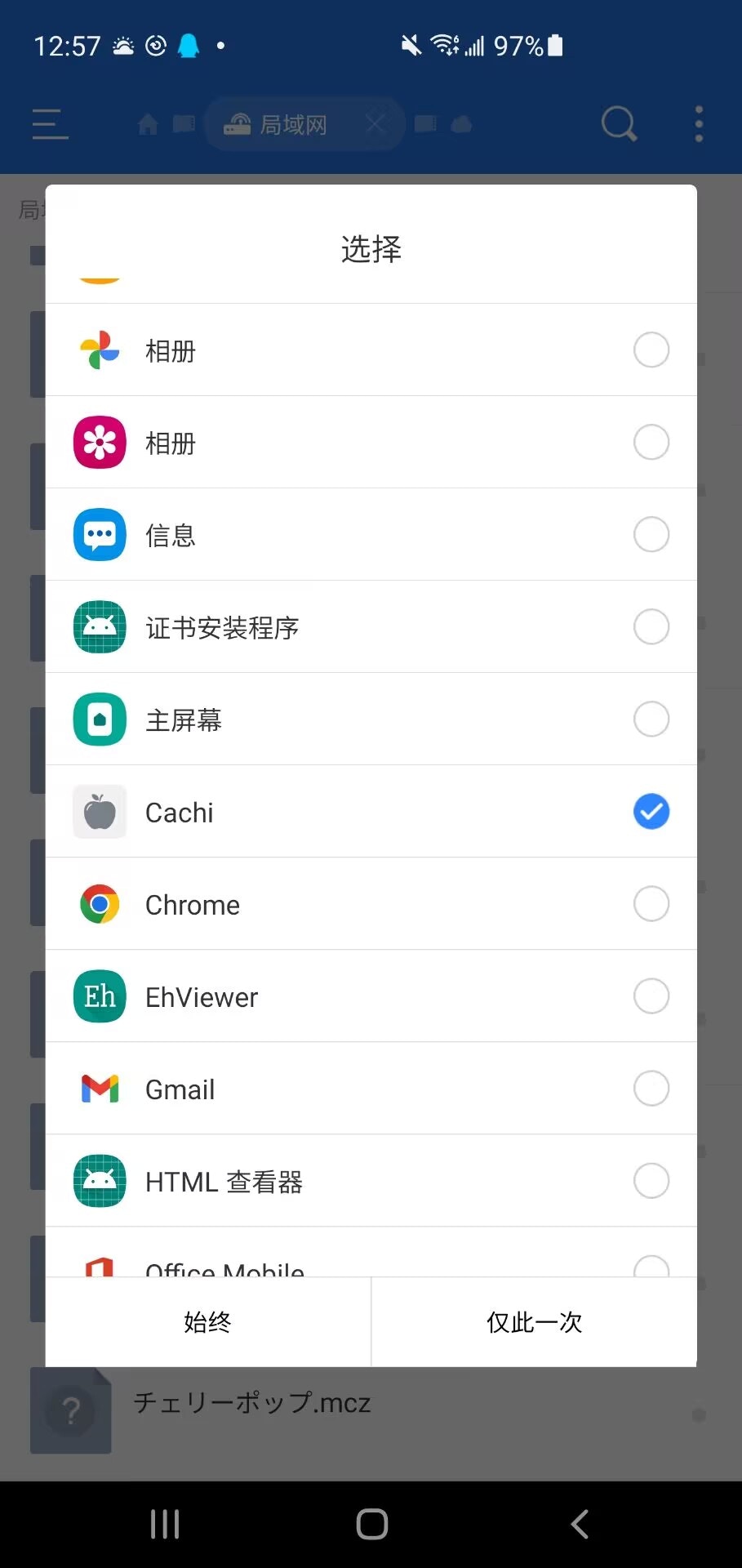
.osu,.mczcharts, and.zip,.osk,.msz,.mspskins can be opened by selecting “Cachi” via “Open With” to import automatically.- Sounds do not support one-click import yet; please refer to Method 2.
Method 2: Manual Placement
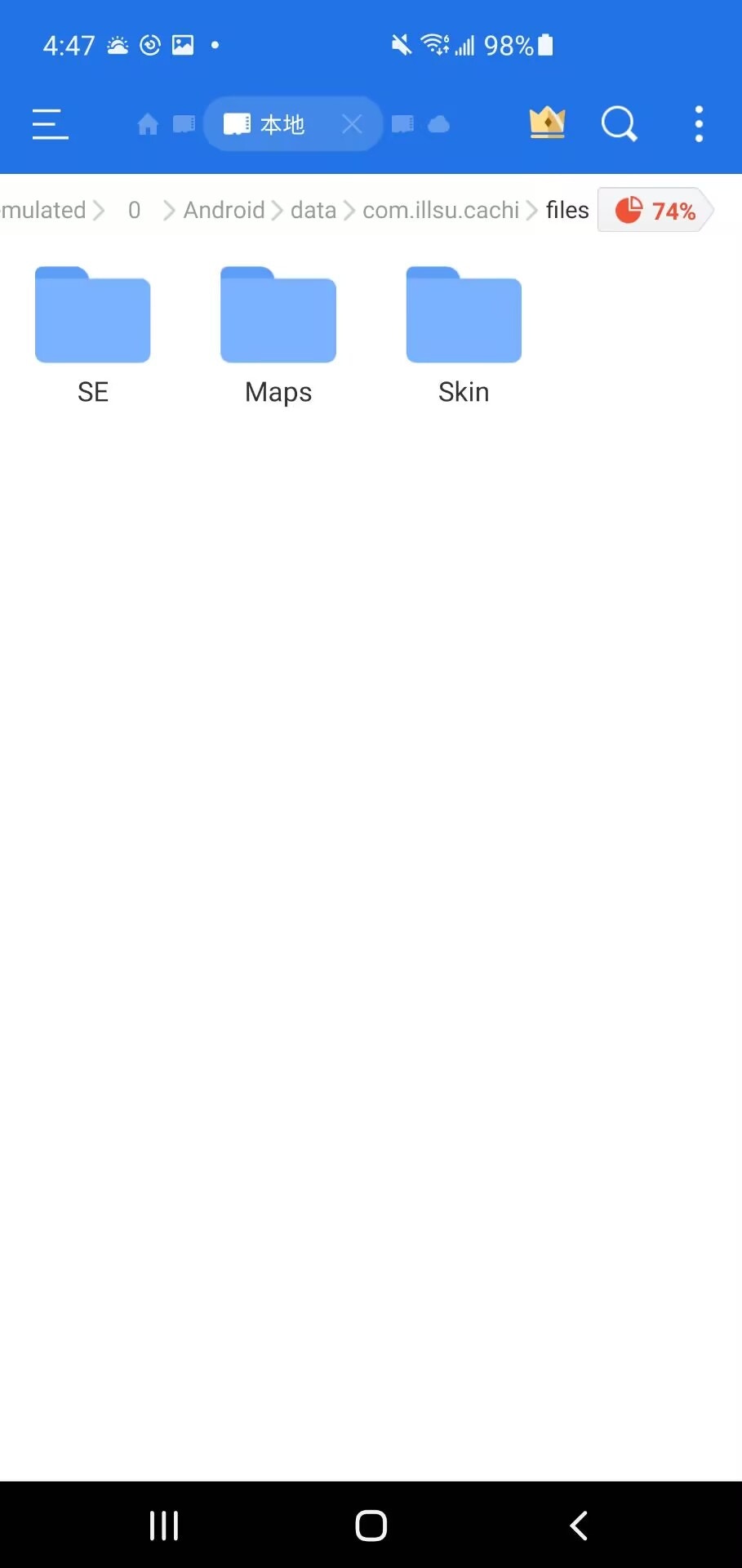
- Use any file manager to find the game root directory by searching
com.illsu.cachior navigating toInternal Storage/Android/data/com.illsu.cachi/files. - The root directory contains
/Maps,/Skin,/SE,/Suddenfolders, corresponding to Charts, Skins, Hit Sounds, and Baffle Textures. Place files into the respective folders. - If these folders do not exist, please launch the game once.