Due to technical reasons, replays may have slight score discrepancies compared to the actual play.
Replay Controls
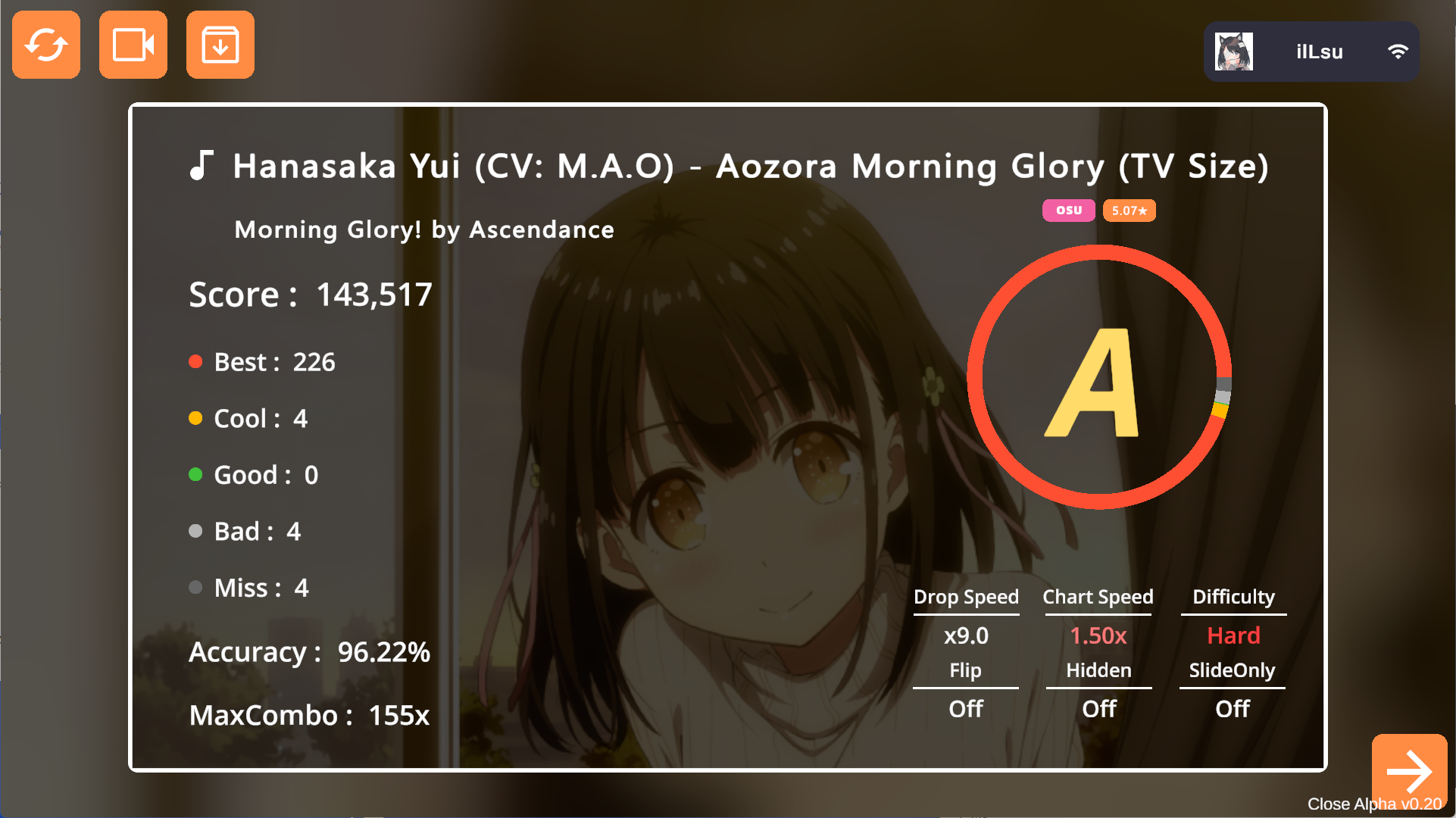
After a game, the result screen offers replay options:- Play: Tap the second button in the top left.
- Export: Tap the third button. Replays are saved as
.crpfiles in the/Replayfolder.
Importing Replays
Open.crp files using Cachi, similar to importing skins or charts.
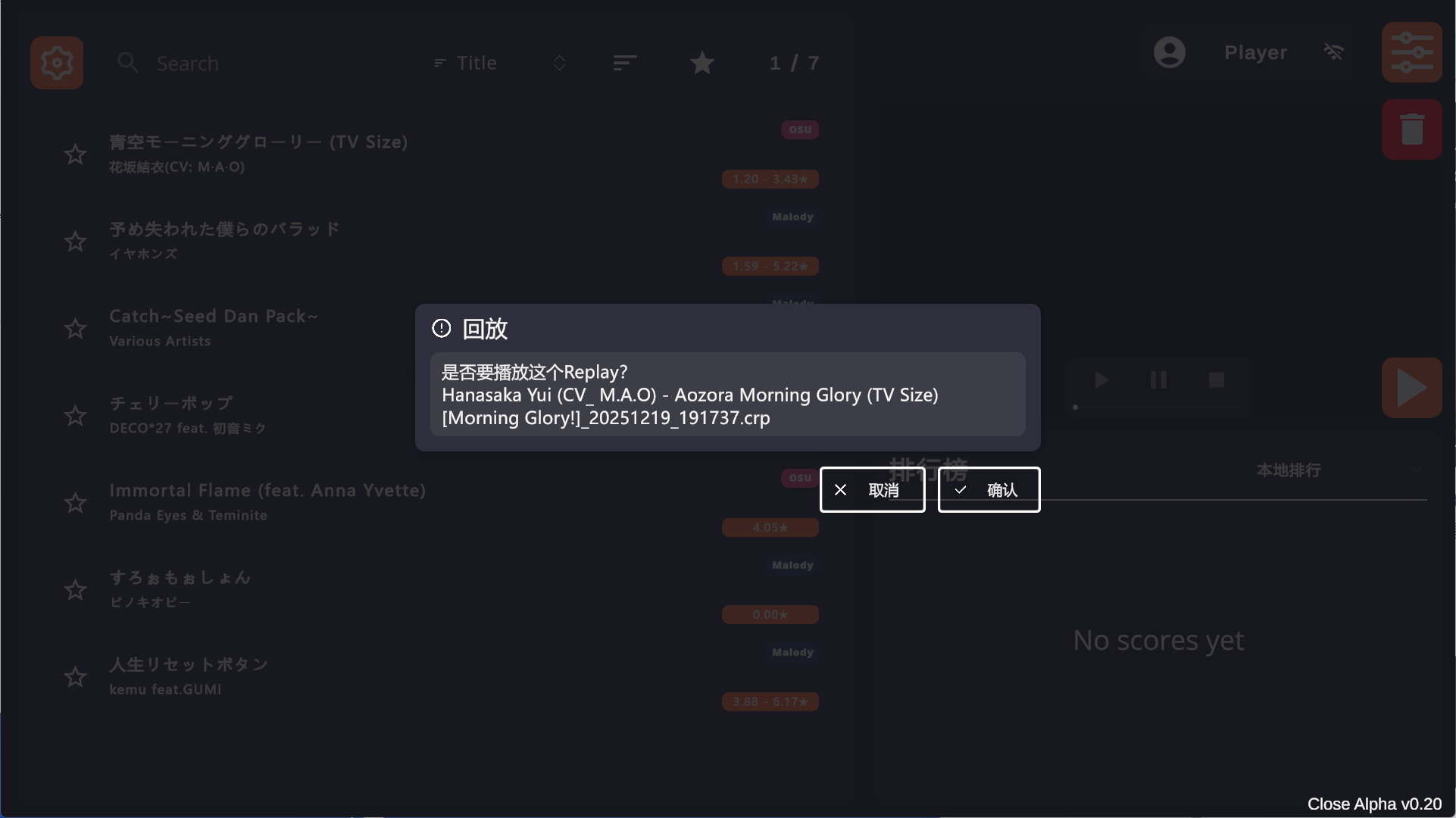
If you are in the song selection menu, a prompt will appear asking if you want to play the replay. Confirm to start (requires the corresponding chart).