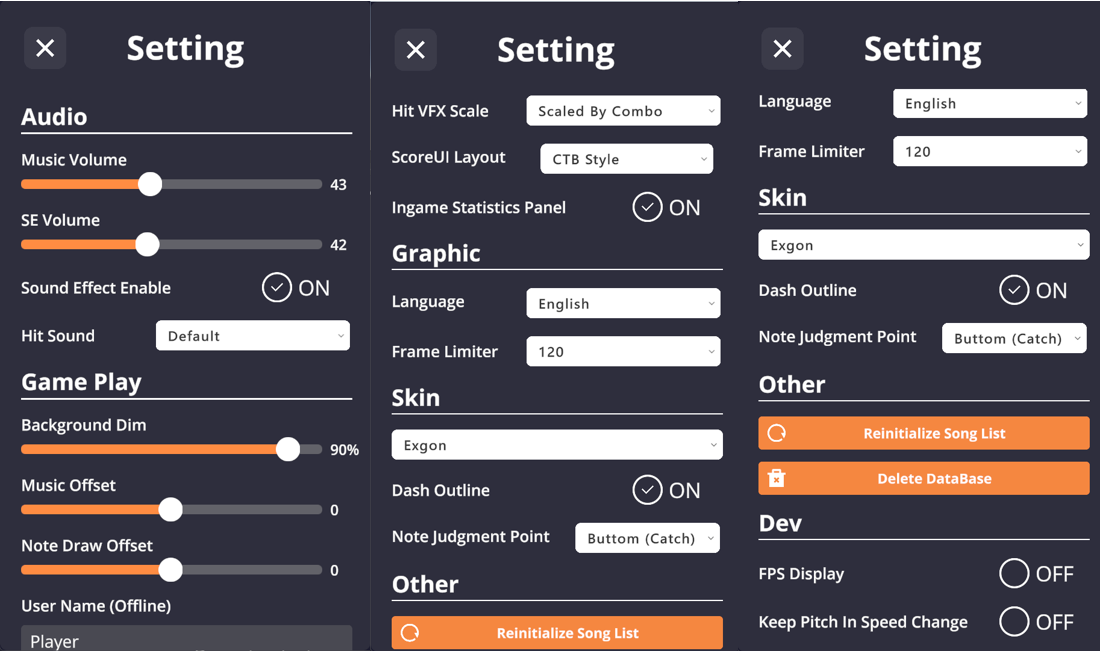
Audio
- Adjust Music/SFX Volume.
- SFX Toggle.
- Custom Hit Sounds: Place audio files in
/SEfolder.
Game Play
- Background Dim.
- Audio/Visual Offset.
- Offline ID: Display name when offline.
- Hit Lighting Size: Adjust the size of the lighting effect when catching notes. Options: Small, Medium, Large, or Combo-based (gradually increases with combo, similar to CTB).
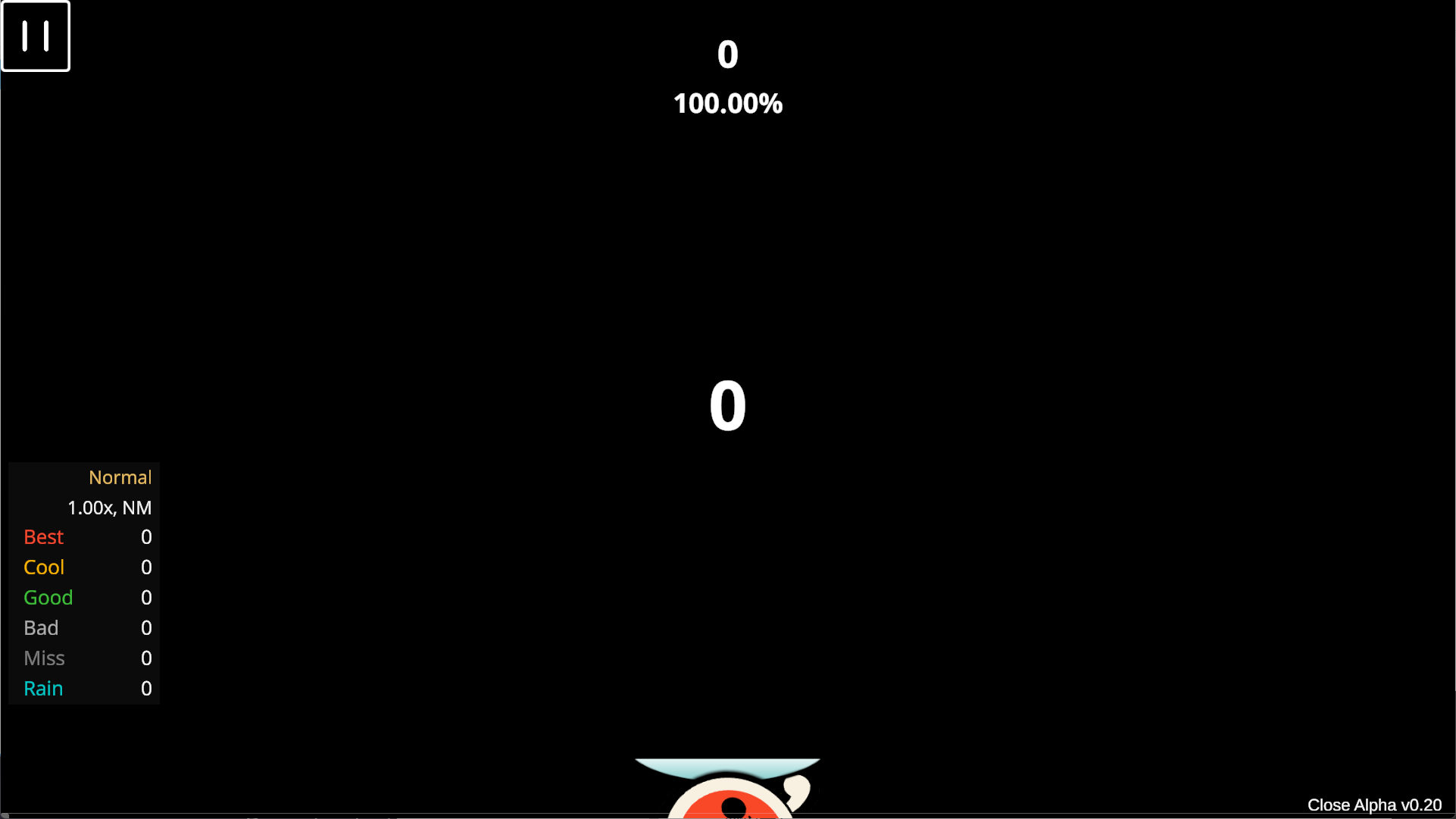
- In-game Stats Panel.
-
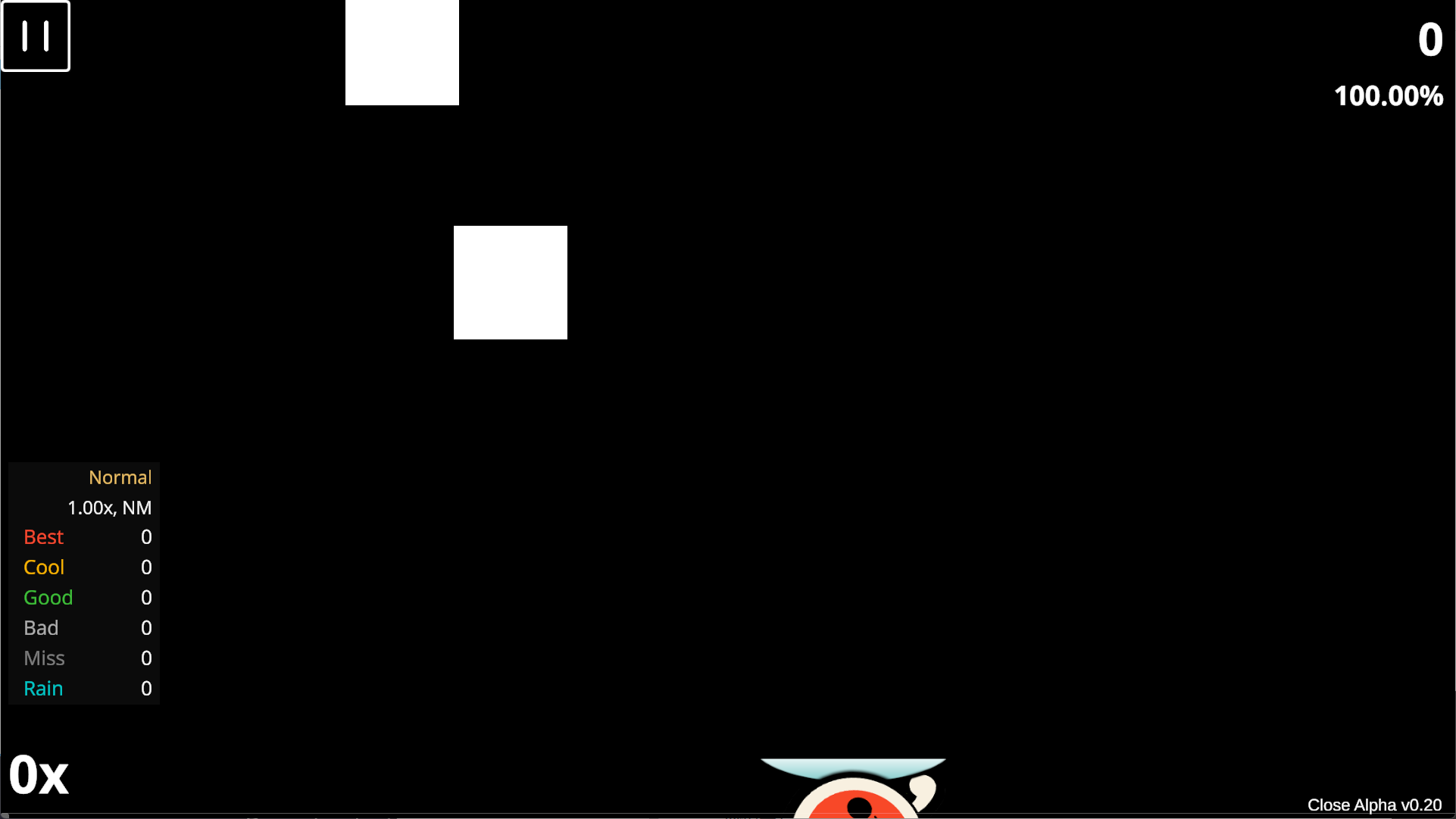
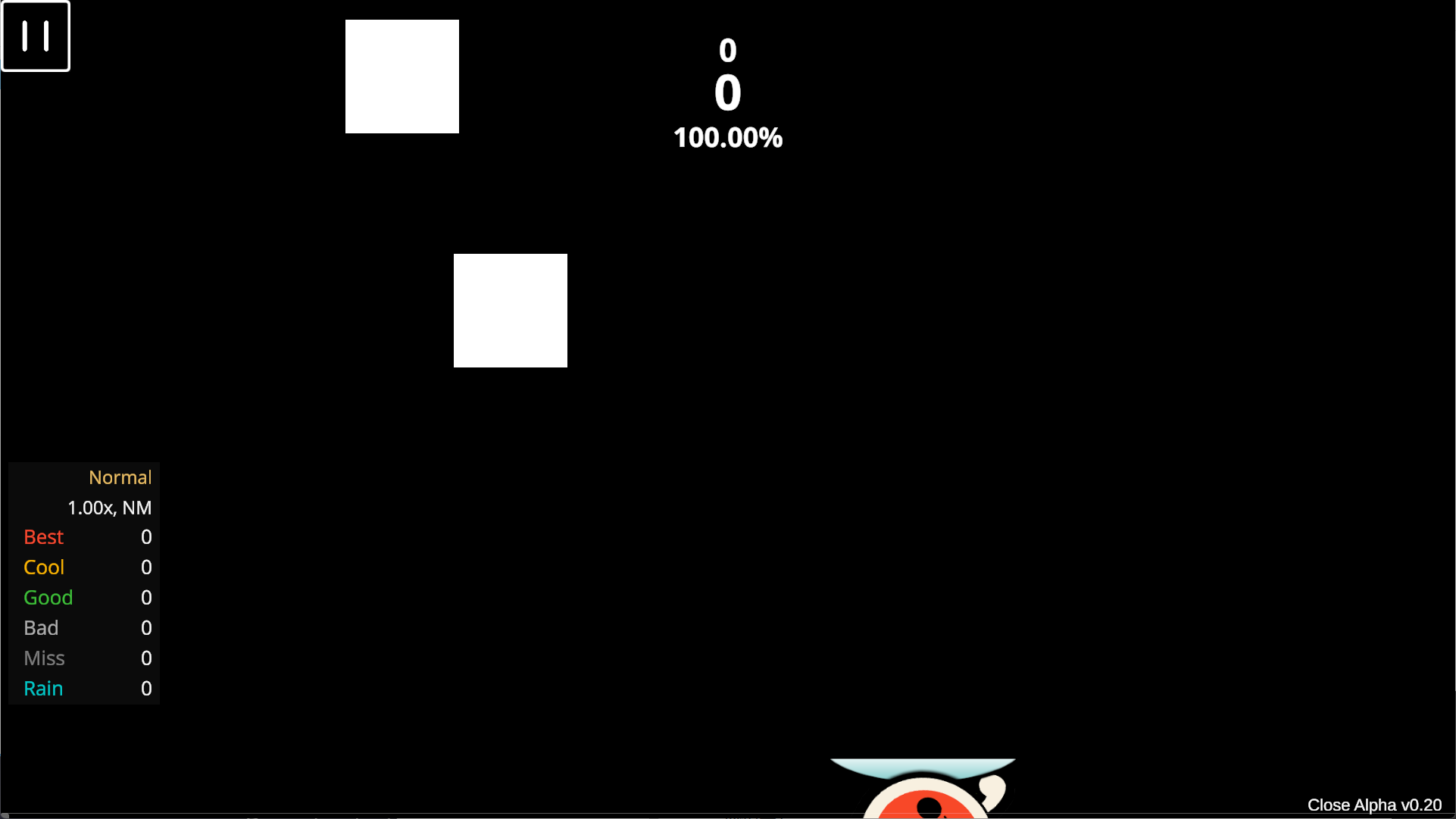
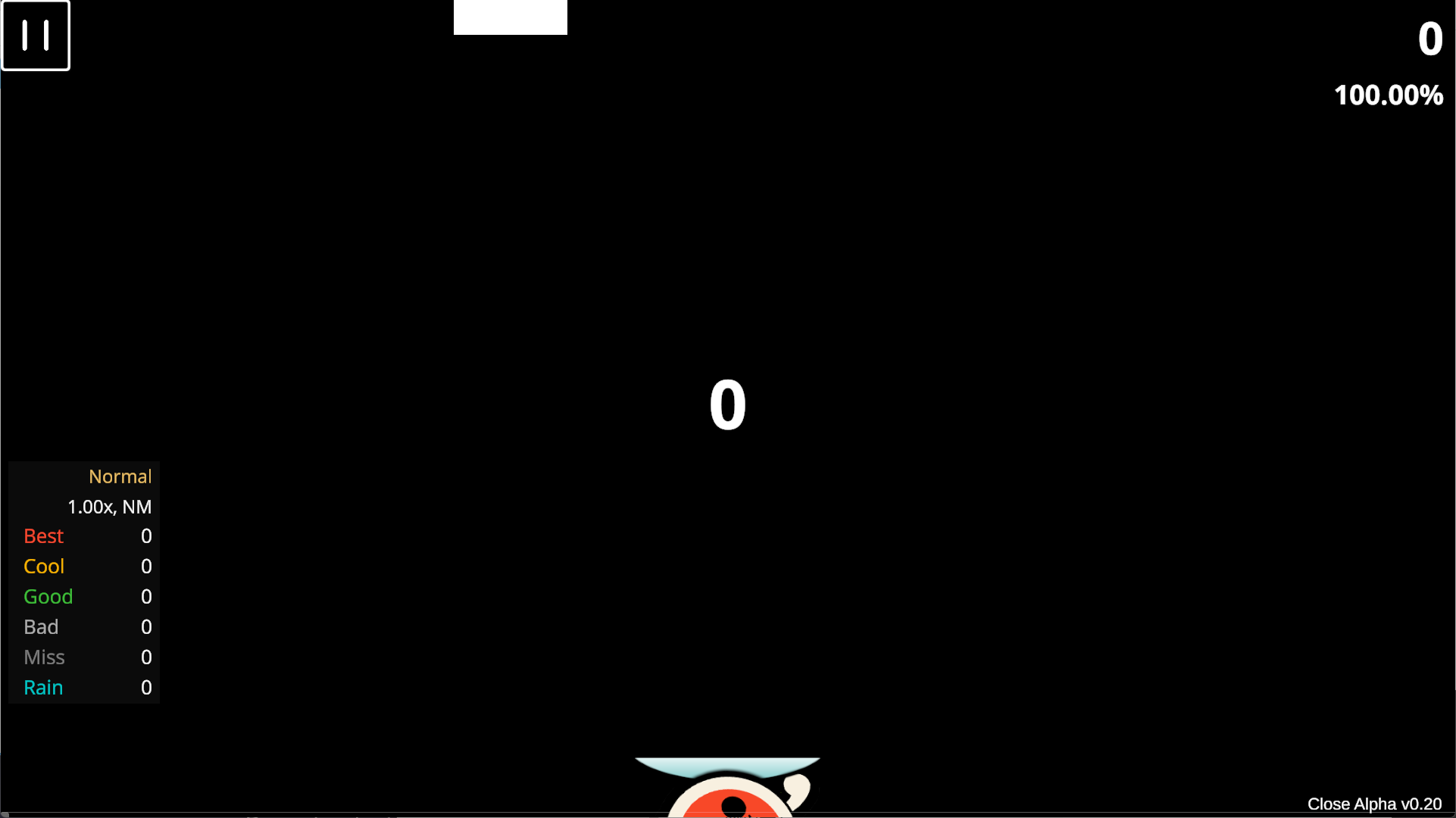
Score UI Layout:
- Default
- Catch Style
- CTB Style
- Mix Style
Graphic
- Language.
- Max Frame Rate.
Skin
- Select Skin: Import skins manually (button textures only).
- (v0.22 New) Note Visual Size: Adjusts the visual size of the note. Does not affect the actual judgment area; only supports scaling down.
-
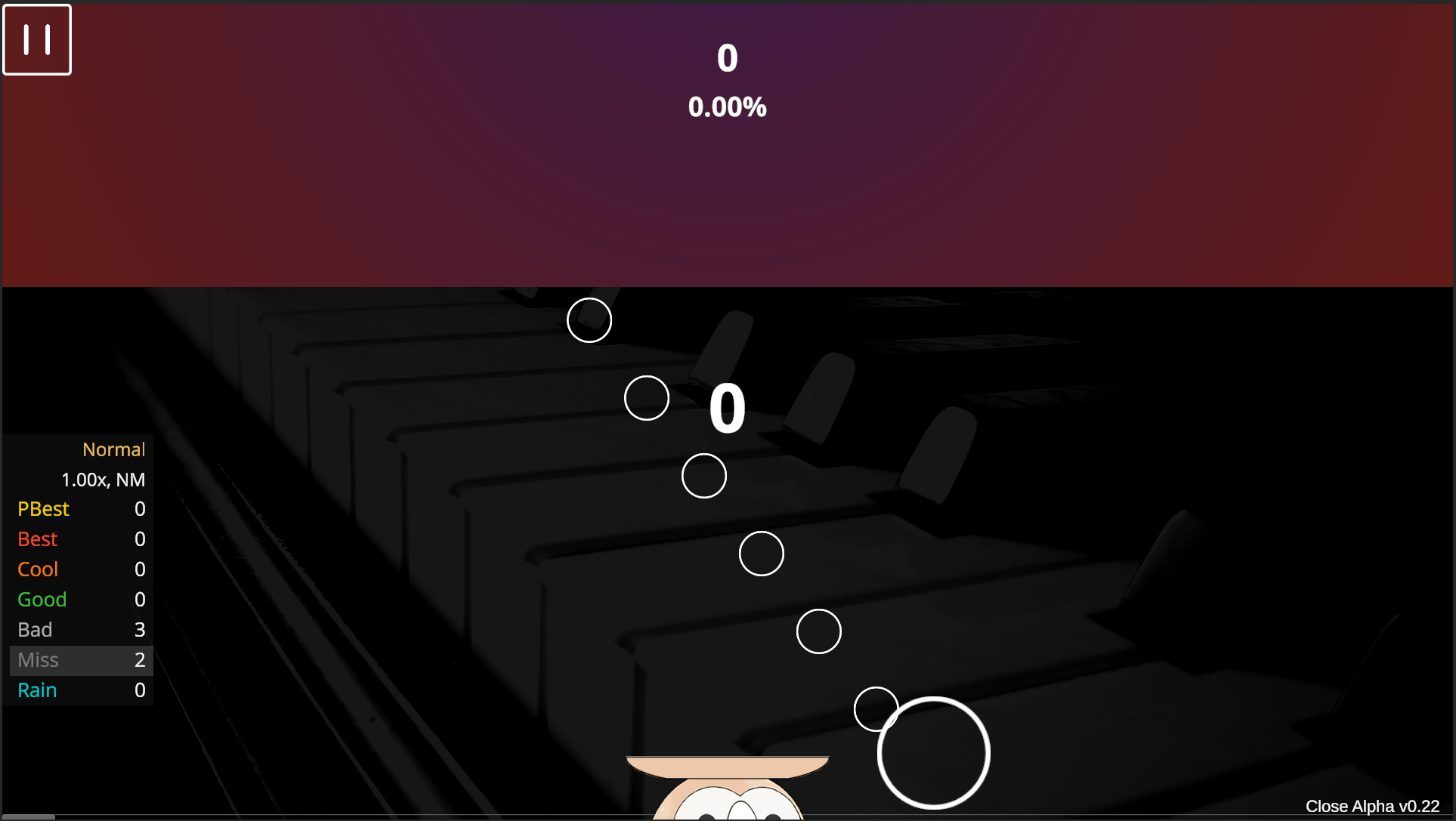
(v0.22 New) Sudden Toggle & Position: Enables and adjusts the upper baffle. Import baffle textures as described in the Import section, then select from the dropdown menu.
The texture will scale to screen width; if the height is insufficient, the top may not be fully covered. This feature can also be used to create a bottom or middle baffle.
- Top Baffle
- Bottom Baffle
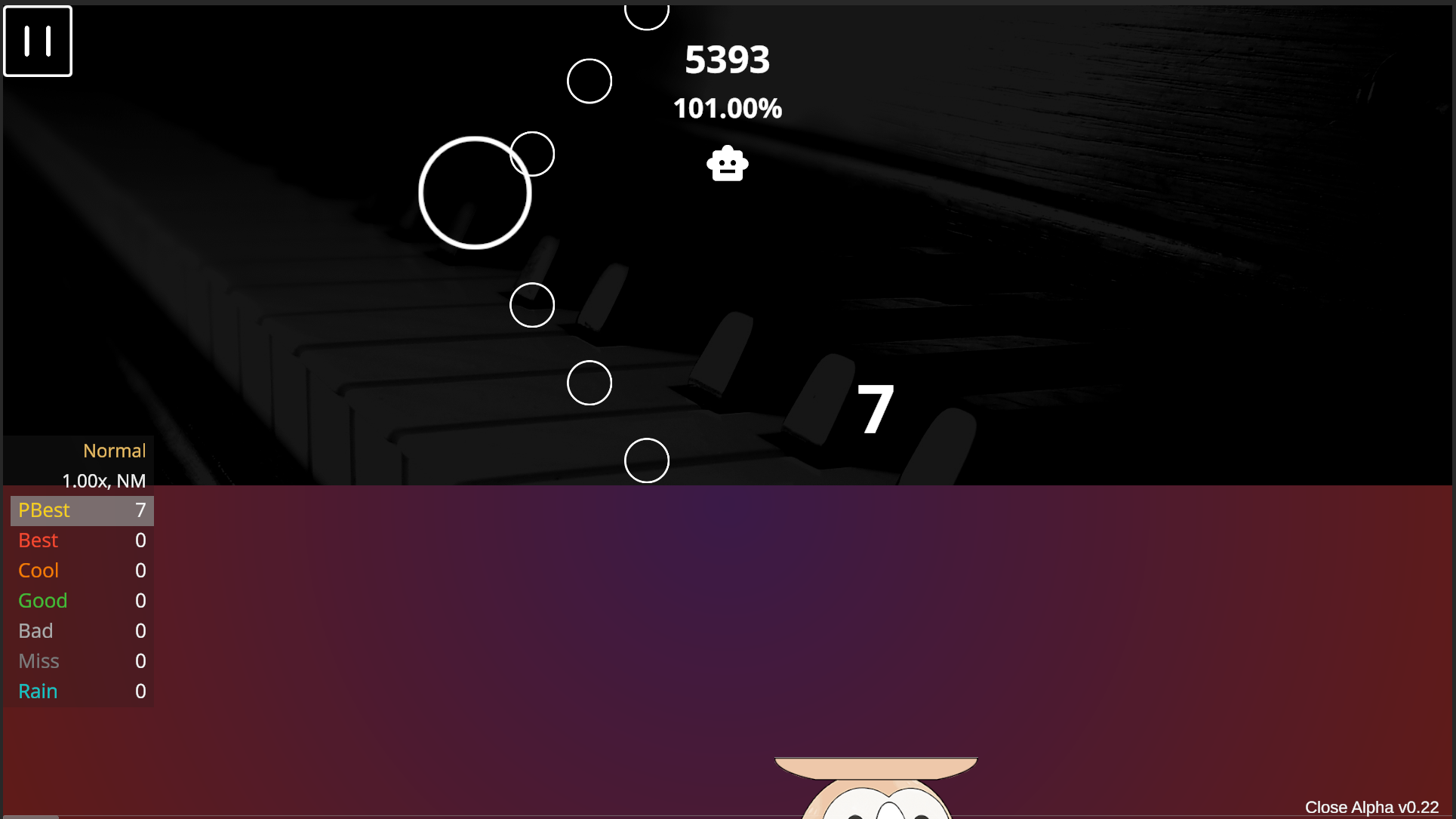
- Red Fruit Indicator: Toggle the red fruit hint on/off.
- Note Hit Position: Adjust the actual judgment point of the note. Default is the bottom-center of the note; can be adjusted to the center (CTB-style).
Other
- Refresh Song List: Recalculates all star ratings.
- Delete Database: Clears song cache and scores; game will close automatically.
Dev
- FPS Counter.
- Pitch Shift on Speed Change: Turning this off may significantly degrade audio quality when speeding up charts.
- Export Log: Exports game logs in .txt format. Default location:
/logfolder in the root directory.